
- 0
- 1,213 word
If you’ve bought a cup of coffee, ordered takeout, or visited a food truck in the last five years, you’ve encountered it: the tip screen.
What was once a simple wooden cup on a counter or a line on a paper receipt has transformed into a digital moment of decision. For business owners, it is a powerful tool for increasing staff wages. For customers, it often feels like a pop quiz on social etiquette.
In this article, we’ll break down the psychology behind the tip screen, how businesses can optimize their point-of-sale (POS) settings without alienating customers, and how consumers can navigate the “tipping fatigue” of the modern economy.
What is a “Tip Screen”?
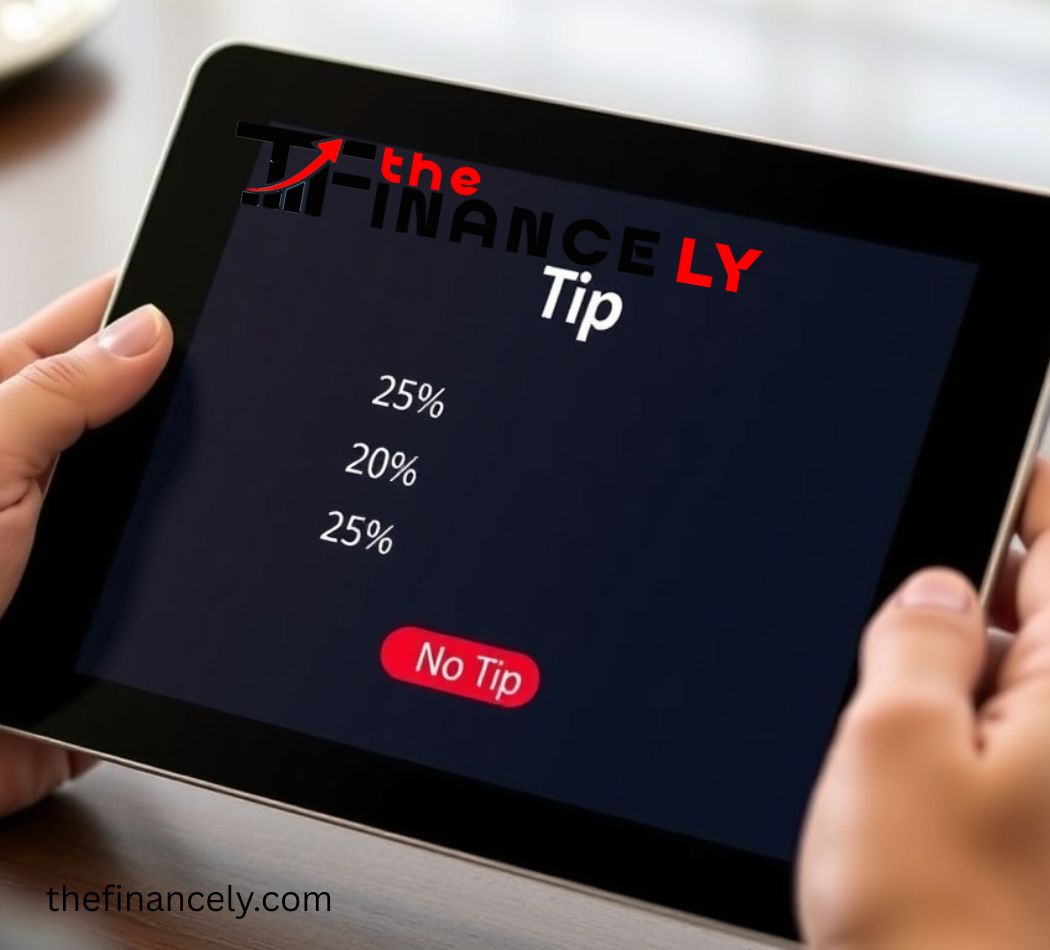
A tip screen is the digital interface on a tablet or card reader (such as Square, Toast, or Clover) that prompts a customer to add a gratuity before completing a transaction. Unlike traditional tipping, which usually occurred after service was rendered (e.g., at a restaurant table), the tip screen often appears before the customer has received their product or service.
The Shift from Cash to Cashless
According to recent payment industry reports, the percentage of cash transactions has dropped below 20% in many developed countries. As cash disappears, so do the spare coins and bills that traditionally filled tip jars. The tip screen is the digital evolution of that jar—except it now suggests specific percentage amounts (e.g., 15%, 20%, 25%) that are often higher than traditional norms.
For Business Owners: Optimizing the Tip Screen
If you run a retail store, café, or service business, your POS tipping setup isn’t just a technical detail; it’s a revenue stream. However, a poorly configured tip screen can lead to customer annoyance and “abandoned carts” in high-volume environments.
1. The Psychology of Default Options
Studies in behavioral economics show that default options have a massive impact on outcomes. If your screen defaults to “No Tip” or “Custom Amount,” most customers will choose that. Conversely, if the default selection is a highlighted 20% button, the average tip percentage will rise.
Best Practice: Offer three distinct percentage buttons. Avoid suggesting 30% for counter service unless you are in a luxury hospitality environment. A balanced approach (e.g., 15%, 20%, 25%) gives customers choice without inducing sticker shock.
2. Pre-Tip vs. Post-Tip
One of the biggest friction points is the “pre-tip.” When a barista hands you a tablet asking for a tip before they have made your latte, it creates cognitive dissonance. The customer is being asked to reward service that hasn’t happened yet.
Optimization Strategy:
-
For Counter Service: Consider flipping the screen around after the service is completed, or use signage that explains tips are shared with the team.
-
For Delivery or Sit-Down: Ensure the software is set to prompt after the service has been rendered.
3. Custom Amounts vs. Percentages
While percentage buttons are easy, they can be problematic for small-ticket items. A customer buying a $3 coffee might balk at a 25% ($0.75) suggestion but would happily throw a dollar into a tip jar.
-
Tip: Allow a “Custom Amount” option that is easy to find. Sometimes, a flat dollar amount button ($1, $2) outperforms percentages for transactions under $10.
For Customers: Navigating Tipping Fatigue
If you feel like you are being asked to tip in more places than ever before, you aren’t imagining it. The “Great Tipflation” has seen tipping prompts expand into retail stores, stadiums, and even self-checkout kiosks.
Is it Mandatory?
No. A tip screen is a request, not a fee. While service industry workers rely on tips to supplement often-low hourly wages, you are not obligated to tip for non-service transactions.
When to Tip, and When to Skip
To avoid guilt, use this simple rule of thumb:
-
Traditional Services: Sit-down dining, hair salons, spas, food delivery, and bartending. Standard etiquette suggests 15% to 20% for good service.
-
Gray Area: Coffee shops, takeout, and food trucks. If the staff is preparing a complex order or providing extensive consultation, tipping is appreciated. If you are simply grabbing a pre-wrapped item off a shelf, it is socially acceptable to select “No Tip.”
-
Retail & Self-Service: If you are buying a t-shirt or scanning your own groceries, you can confidently select “No Tip” without guilt.
How to Handle the “Guilt Screen”
Psychologists call the modern tip screen the “guilt screen” because it presents three positive options (15%, 20%, 25%) and one negative option (“Custom” or “No Tip”)—often in a different color. If you cannot afford to tip or feel the service didn’t warrant it, remember: the employee processing the transaction is usually not the one who programmed the tablet. Pressing “No Tip” is a critique of the business model, not the individual.
The Legal and Ethical Landscape
Tip Credits and Wages
In the United States, the federal minimum wage for tipped employees is $2.13 per hour, relying on tips to reach the standard minimum wage. However, many states have eliminated the tip credit, requiring full minimum wage plus tips. Understanding your local laws is crucial for business owners to ensure they aren’t illegally withholding tips from employees.
Tip Pooling
If your business uses a tip screen, you must have a clear tip pooling policy. Digital tips often get pooled and distributed based on hours worked. Business owners should note that managers and employers are generally prohibited from keeping a share of tips under the Fair Labor Standards Act (FLSA).
The Future of the Tip Screen
As we move further into 2024 and beyond, the technology is evolving. We are seeing the rise of tap-to-tip features, where customers can tap their phone to add a tip without touching a screen. Additionally, new POS systems are beginning to implement AI-driven suggestions that adjust the tip percentage based on the time of day, order complexity, or customer loyalty status.
The goal for the industry should be transparency. Businesses that use tip screens to fairly compensate their staff while clearly communicating their policies will retain customer loyalty better than those who rely on the “guilt factor.”
Conclusion
The tip screen is here to stay. As digital payments become the global standard, the act of tipping has moved from a private gesture to a public digital choice.
For business owners, optimizing your tip screen isn’t just about squeezing out an extra 5%; it’s about respecting the customer relationship and ensuring your staff is fairly compensated. For customers, navigating the tip screen requires a shift from guilt to intentionality. Tip for service, feel free to skip for retail, and remember that a simple “no” on a tablet doesn’t make you a bad person—it makes you a discerning consumer.
Frequently Asked Questions (FAQ)
Q: Can business owners keep the tips from the tip screen?
A: No. In most jurisdictions, tips are the property of the employee. Business owners and salaried managers cannot keep tips unless they are providing direct table service.
Q: Do delivery drivers get the tip from the screen?
A: It depends on the platform. For direct restaurant apps, usually yes. For third-party apps (DoorDash, UberEats, etc.), the tip goes to the driver, though some platforms have faced lawsuits over tipping policies in the past.
Q: Is 20% the new standard for everything?
A: For full-service restaurants, yes. For counter service or takeout, 10-15% is generally considered generous, but it is not strictly mandatory.
FOR FURTHER INFORMATION, VISIT: THEFINANCELY.COM
Author

admin@thefinancely.com